![CardSmart Logo (1) (1).png]](https://www.help.cardsmart.io/hs-fs/hubfs/CardSmart%20Logo%20(1)%20(1).png?height=40&name=CardSmart%20Logo%20(1)%20(1).png)
You can edit or disable products from the Products section in CardSmart.
To manage a product:
- Navigate to the Products section.
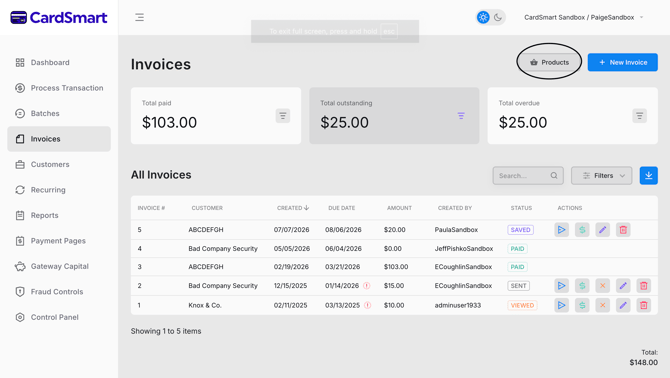
- Locate the product you want to manage in the product list.
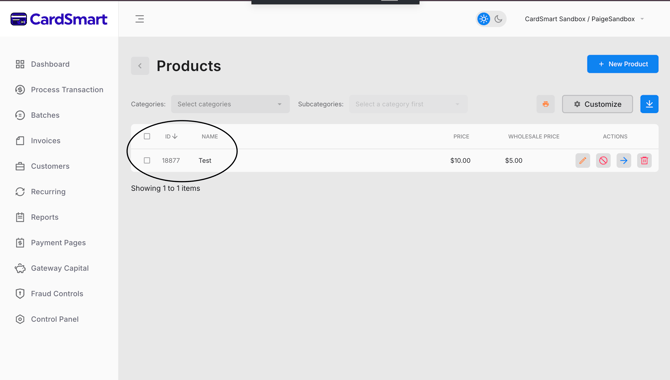
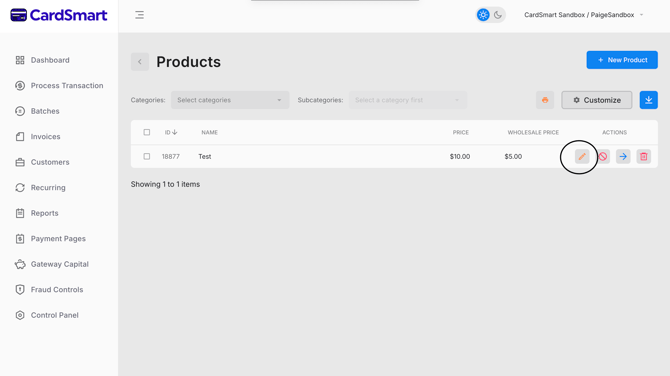
- In the Actions column, choose one of the following options:
Edit a Product
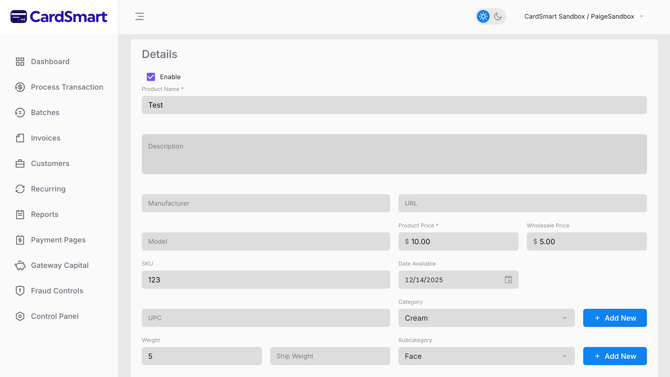
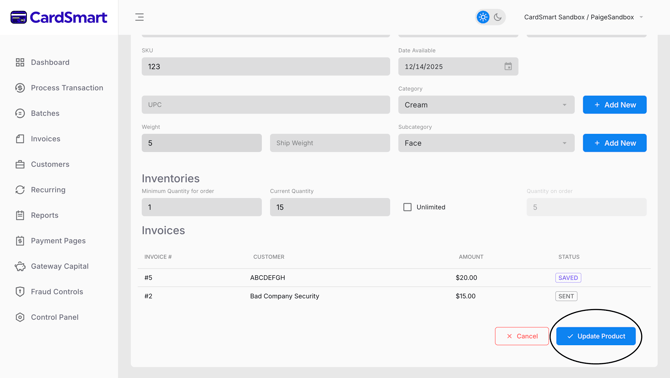
- Select the pencil icon to open the product details.
- Update the desired product information.
- Save your changes.
Disable a Product
- Select the red circle with a line through it icon.
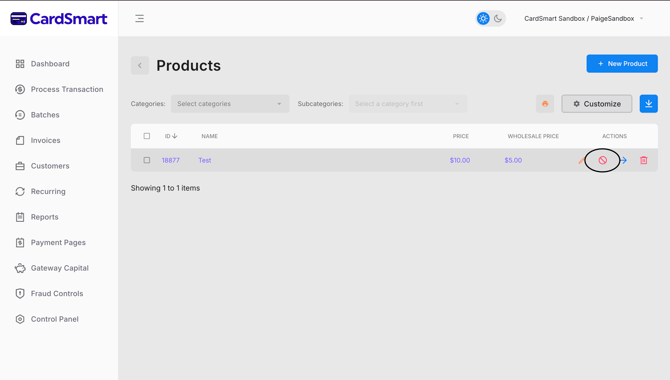
- The product will be disabled and will no longer be available for use.
Disabling a product allows you to keep the product information in CardSmart while preventing it from being selected for future transactions or invoices.