![CardSmart Logo (1) (1).png]](https://www.help.cardsmart.io/hs-fs/hubfs/CardSmart%20Logo%20(1)%20(1).png?height=40&name=CardSmart%20Logo%20(1)%20(1).png)
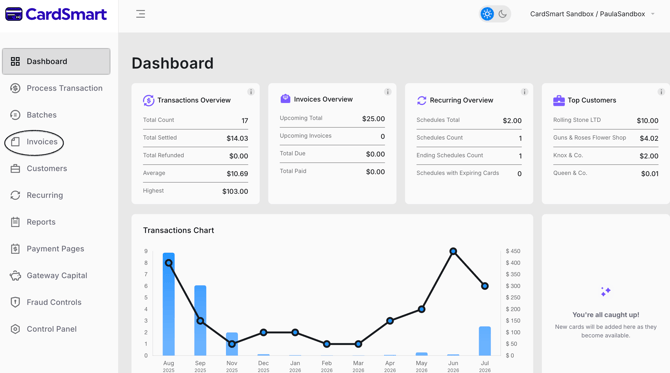
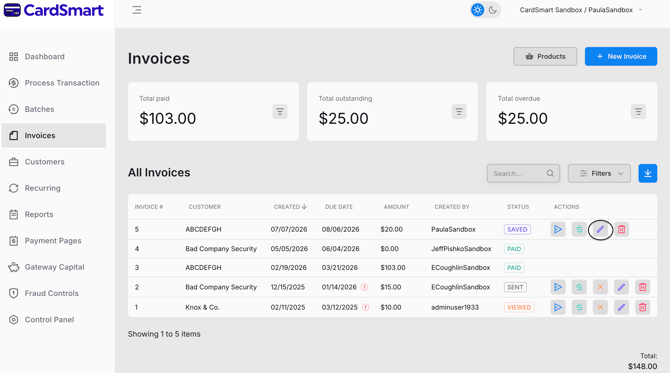
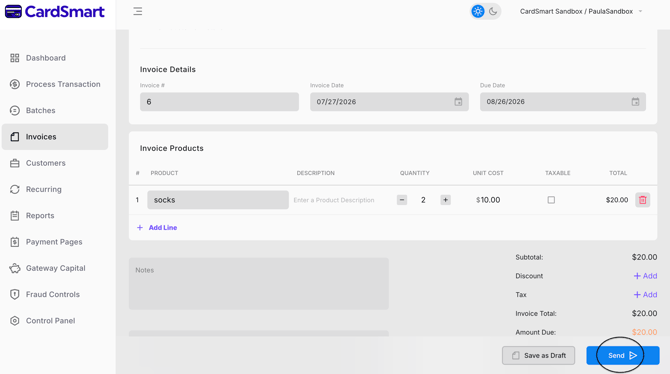
To edit an invoice, navigate to the Invoices tab and locate the invoice you would like to update. Under the Actions column, click the Edit (pencil) icon. From there, you can modify the invoice details, including the product or service, description, quantity, unit cost, and taxable status. You can also update the customer information and other invoice details as needed. Once you have made your changes, be sure to save the invoice to apply the updates