![CardSmart Logo (1) (1).png]](https://www.help.cardsmart.io/hs-fs/hubfs/CardSmart%20Logo%20(1)%20(1).png?height=40&name=CardSmart%20Logo%20(1)%20(1).png)
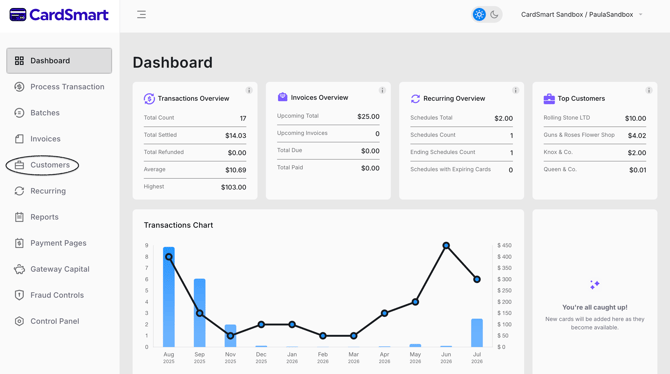
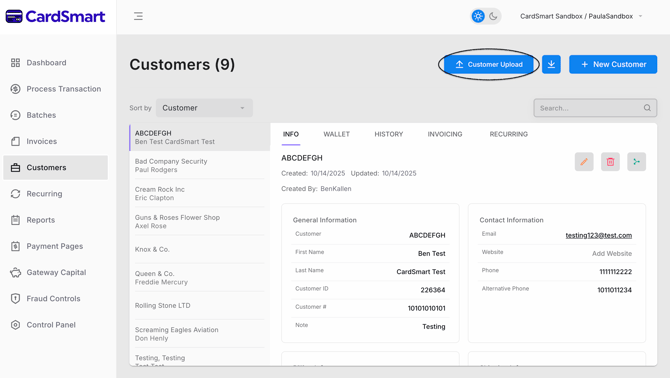
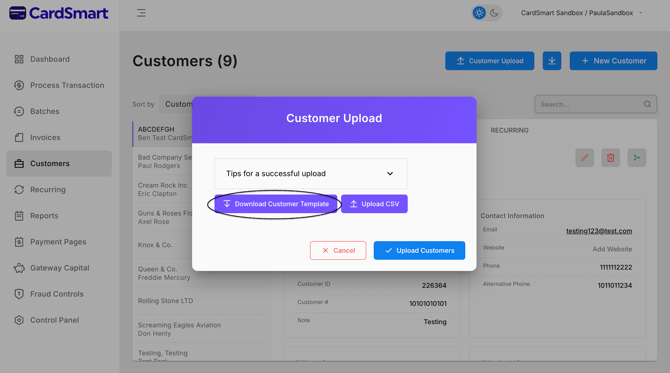
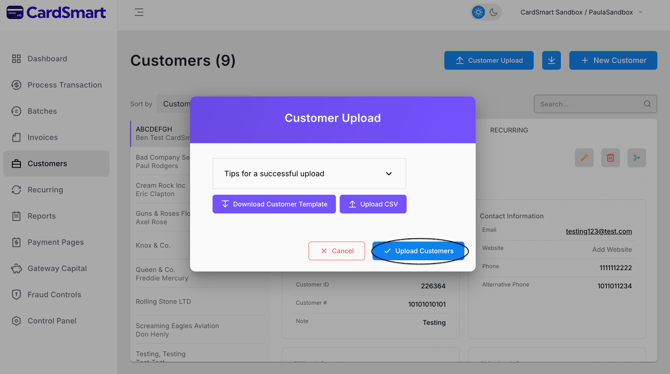
Navigate to the Customers tab and click the Upload Customer button located in the upper-right corner of the page. On the upload screen, you can download the Customer Template to ensure your information is formatted correctly before importing. Once your CSV file is complete, click the Upload button to import your customer list. The page also includes helpful Customer Upload Tips to guide you through the process and help prevent formatting errors.