![CardSmart Logo (1) (1).png]](https://www.help.cardsmart.io/hs-fs/hubfs/CardSmart%20Logo%20(1)%20(1).png?height=40&name=CardSmart%20Logo%20(1)%20(1).png)
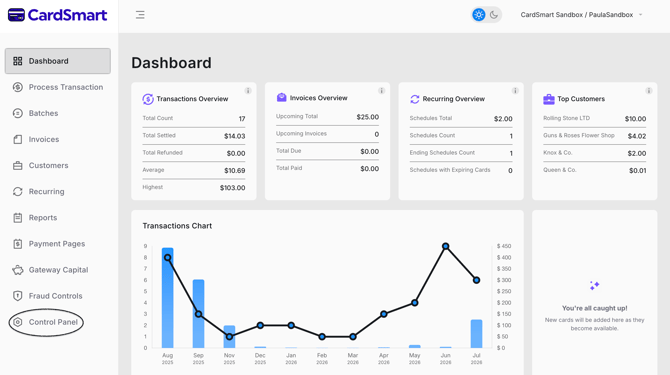
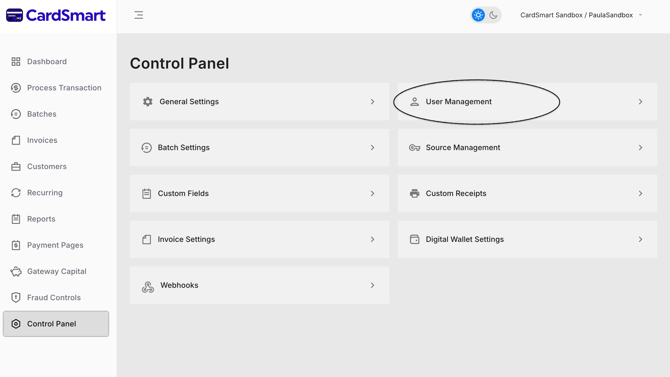
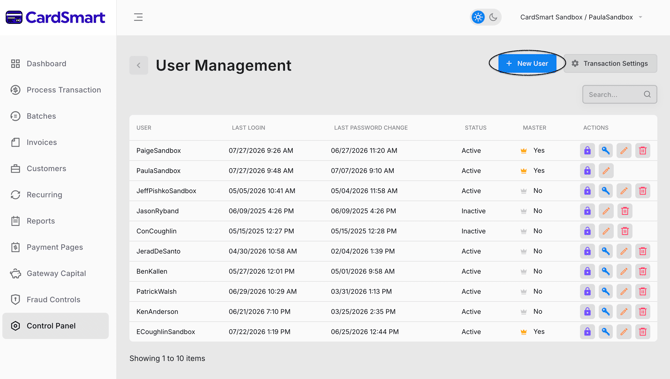
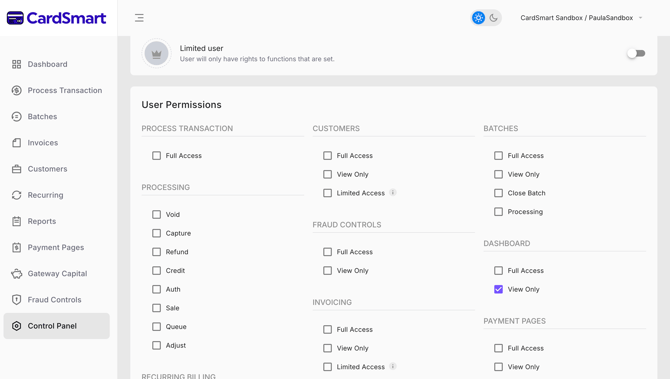
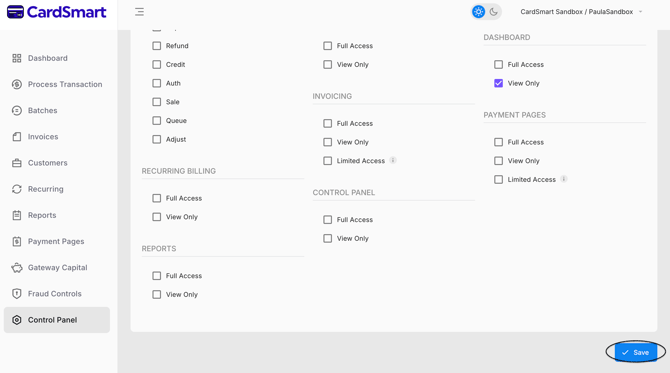
To add a new user, navigate to the Control Panel and select User Management. Click New User to create a new user account. During setup, you can assign permissions for various sections of the platform, including Dashboard, Payment Pages, Invoicing, Control Panel, Reports, Recurring Billing, Fraud, Batches, Customers, and Processing.
For each section, you can choose the appropriate access level:
- Full Access
- View Only
- Limited Access