![CardSmart Logo (1) (1).png]](https://www.help.cardsmart.io/hs-fs/hubfs/CardSmart%20Logo%20(1)%20(1).png?height=40&name=CardSmart%20Logo%20(1)%20(1).png)
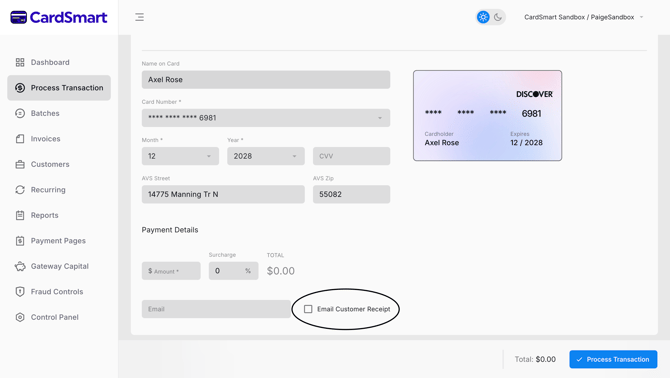
You can email a receipt to a customer directly from the Process Transaction tab in CardSmart.
To send a receipt by email:
- Complete the transaction details in the Payment Details section.
- Scroll to the bottom of the section and select the Email Customer Receipt checkbox.
- Enter the customer's email address in the designated field.
- Process the transaction as normal.
Once the transaction has been successfully processed, a receipt will automatically be sent to the email address provided.
If you are using a stored Customer Profile and an email address is already associated with the profile, the email address may automatically populate when the customer profile is selected.