![CardSmart Logo (1) (1).png]](https://www.help.cardsmart.io/hs-fs/hubfs/CardSmart%20Logo%20(1)%20(1).png?height=40&name=CardSmart%20Logo%20(1)%20(1).png)
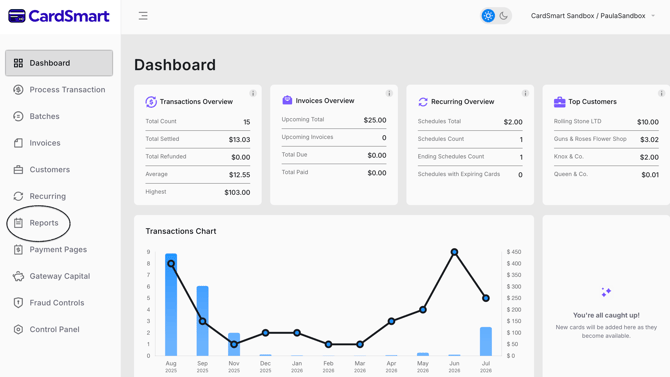
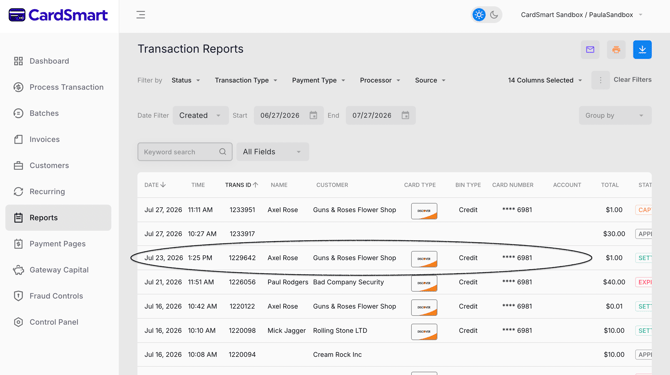
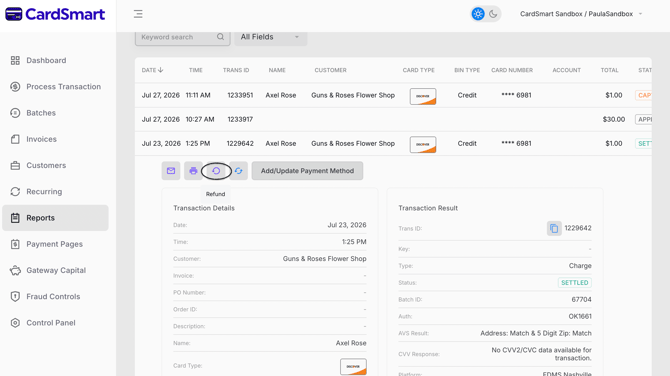
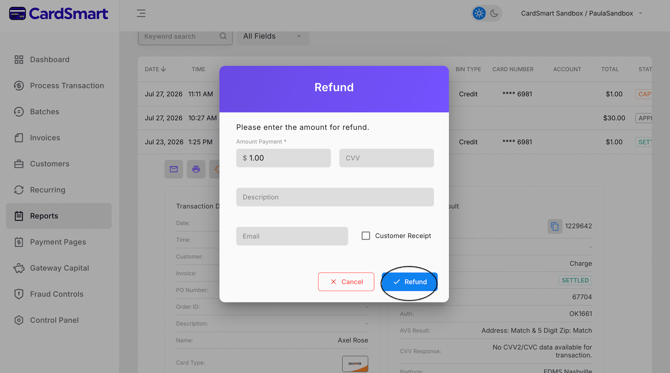
To issue a refund, navigate to the Reports tab and select the transaction you would like to refund. Next to the printer icon, click the back arrow in a circle icon labeled Refund. Enter the amount you would like to refund, then click Refund to process the transaction.