![CardSmart Logo (1) (1).png]](https://www.help.cardsmart.io/hs-fs/hubfs/CardSmart%20Logo%20(1)%20(1).png?height=40&name=CardSmart%20Logo%20(1)%20(1).png)
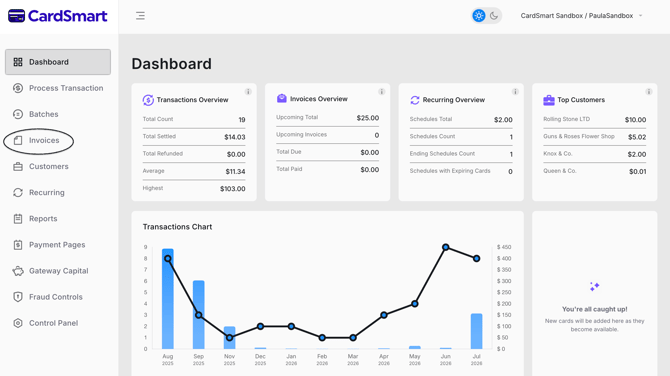
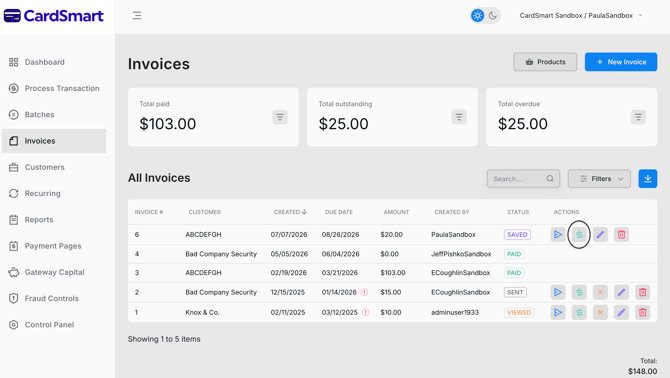
To mark an invoice as paid, navigate to the Invoices tab and locate the invoice you would like to update. Under the Actions column, click the Pay (green dollar sign) icon. Select the desired payment method (Card, Check, or Cash) and enter the required payment information. Verify that the payment amount is correct, then click Pay to process the payment. Once the transaction is successful, the invoice status will automatically update to Paid.