![CardSmart Logo (1) (1).png]](https://www.help.cardsmart.io/hs-fs/hubfs/CardSmart%20Logo%20(1)%20(1).png?height=40&name=CardSmart%20Logo%20(1)%20(1).png)
To process a one-time payment, navigate to the Process Transaction tab within the CardSmart website.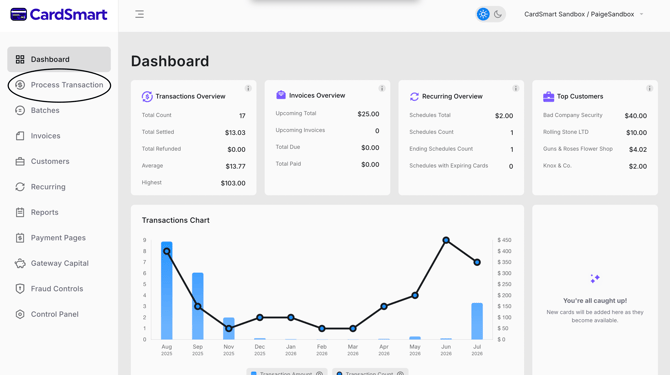
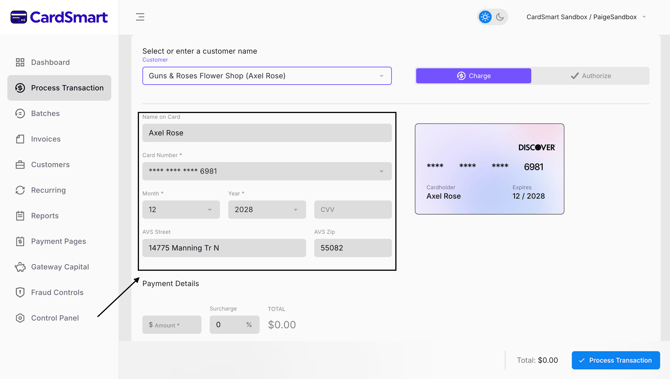
If the customer has a saved Customer Profile, search for the customer by name and select the stored payment method associated with their profile.
Once the customer profile is loaded:
- Verify the payment information.
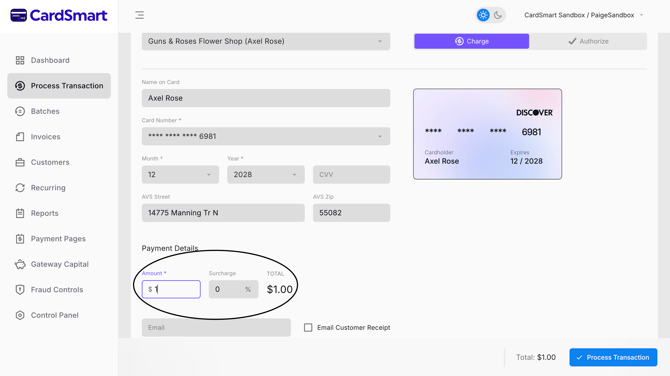
- Enter the amount to be charged.
- Review the transaction details.
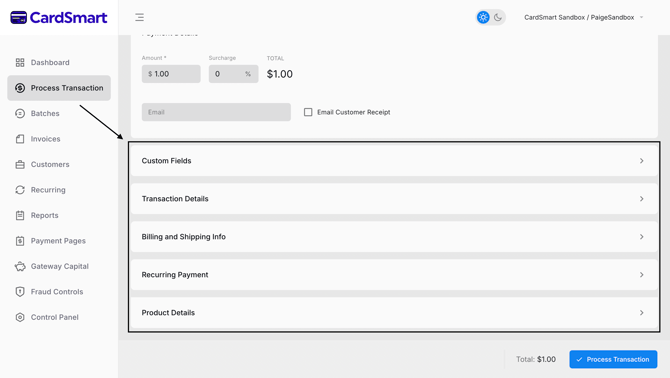
- Submit the payment for processing.
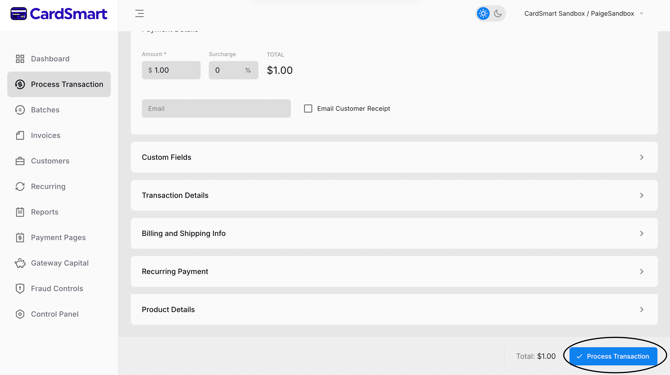
If the customer does not have a saved Customer Profile, enter the customer's payment information and any required transaction details manually. Once all information has been entered, review the transaction and submit the payment for processing.
Using Customer Profiles can help streamline the checkout process by reducing the need to manually enter payment information for returning customers.