![CardSmart Logo (1) (1).png]](https://www.help.cardsmart.io/hs-fs/hubfs/CardSmart%20Logo%20(1)%20(1).png?height=40&name=CardSmart%20Logo%20(1)%20(1).png)
Processing a one-time check payment is similar to processing a one-time card payment through the Virtual Terminal.
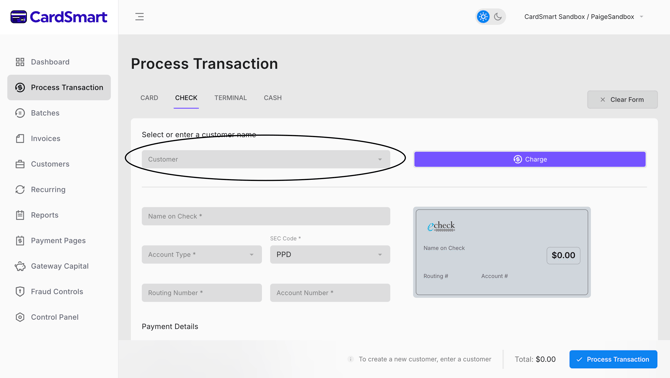
If the customer has a saved Customer Profile, you can search for the customer by name to populate their available profile information. However, bank account information is not stored in CardSmart and must be provided for each check transaction.
To process a one-time check payment:
- Search for and select the customer's profile, if available.
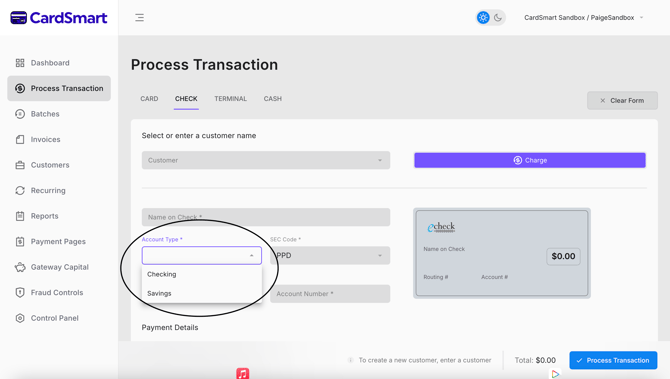
- Determine whether the payment will be withdrawn from a checking or savings account.
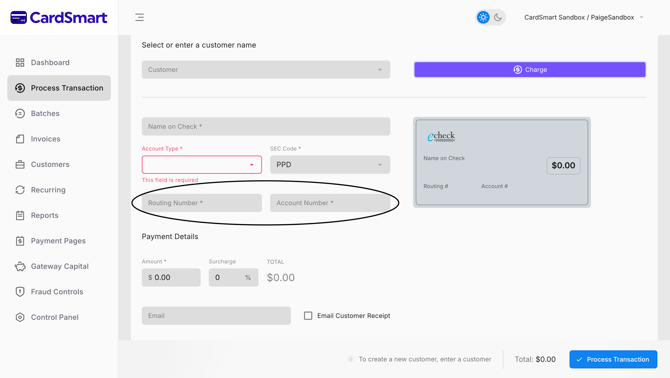
- Obtain the customer's bank routing number and account number.
- Enter the required payment and transaction details.
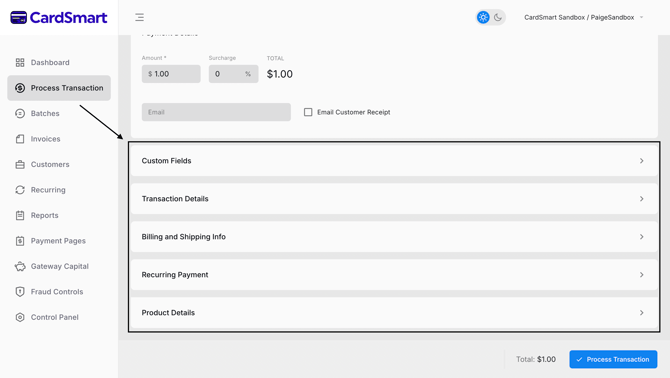
- Review the information and submit the transaction for processing.
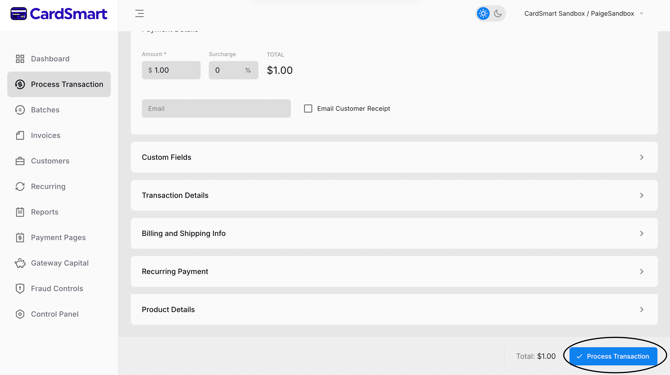
For customers without a saved Customer Profile, enter the customer's information along with the bank routing number and account number before submitting the payment.
Because bank account information is not stored in CardSmart, the routing number and account number must be collected each time a one-time check payment is processed.