![CardSmart Logo (1) (1).png]](https://www.help.cardsmart.io/hs-fs/hubfs/CardSmart%20Logo%20(1)%20(1).png?height=40&name=CardSmart%20Logo%20(1)%20(1).png)
To process a one-time terminal payment, navigate to the Process Transaction tab within the CardSmart website.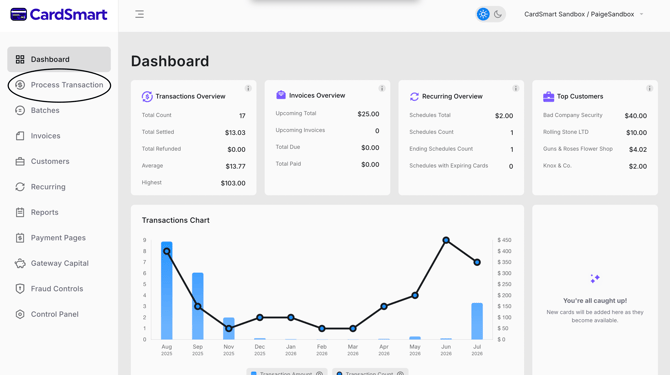
Before beginning the transaction, verify that your payment terminal is connected and communicating with CardSmart.
Whether the customer has a saved Customer Profile or is a new customer, the payment must be completed using the connected payment terminal.
To process the payment:
- Confirm that the terminal is connected and ready to accept payments.
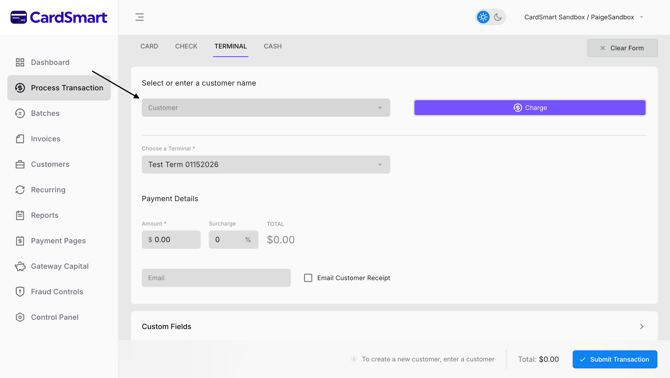
- If applicable, search for and select the customer's saved profile.
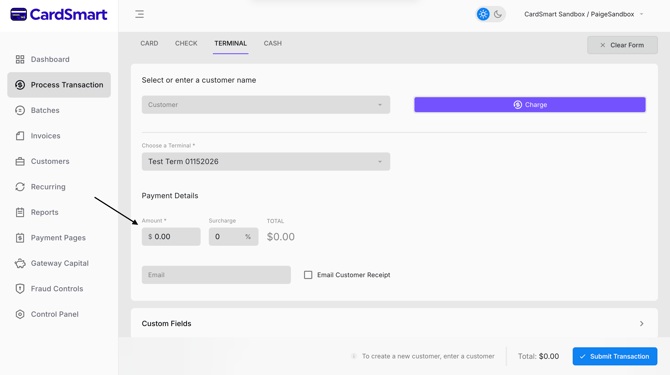
- Enter the transaction amount.
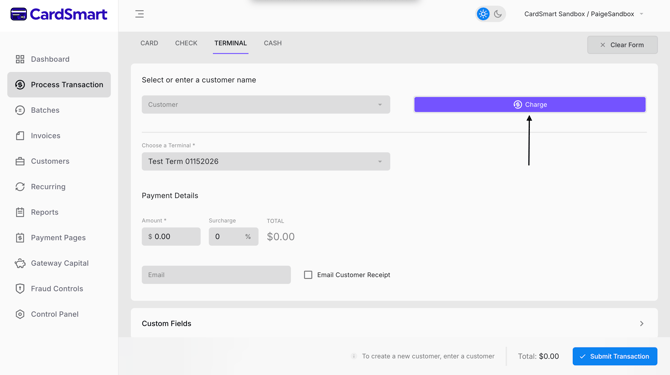
- Select Charge.
- Have the customer follow the prompts displayed on the terminal to complete the payment.
Customers can complete the transaction by using their preferred payment method, including:
- Tap (contactless)
- Insert (chip card)
- Swipe (magnetic stripe)
Once the customer completes the prompts on the terminal, the transaction will be processed automatically.