![CardSmart Logo (1) (1).png]](https://www.help.cardsmart.io/hs-fs/hubfs/CardSmart%20Logo%20(1)%20(1).png?height=40&name=CardSmart%20Logo%20(1)%20(1).png)
Pages section in CardSmart.
To send a payment page link:
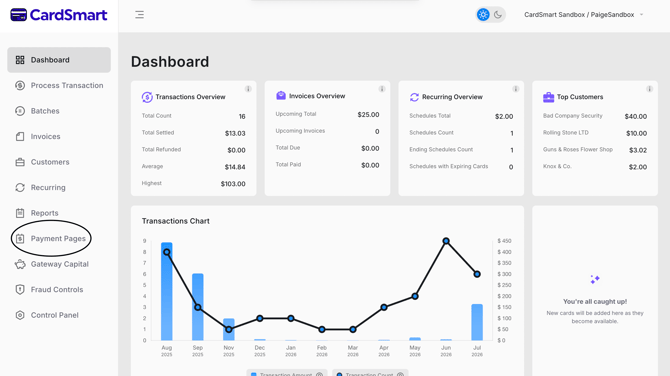
- Navigate to the Payment Pages tab.
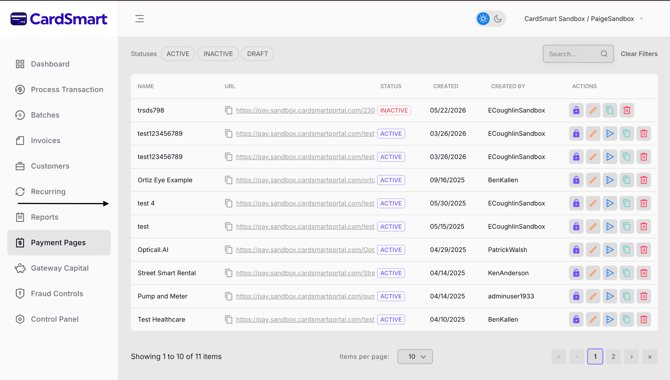
- Locate the payment page you want to use.
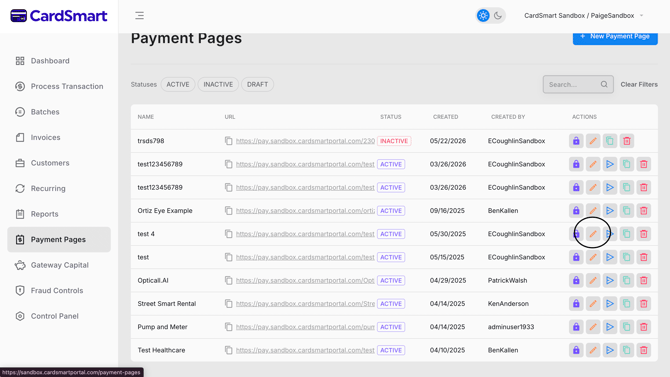
- Select the arrow icon to generate a payment link.
- Enter the required customer information, including:
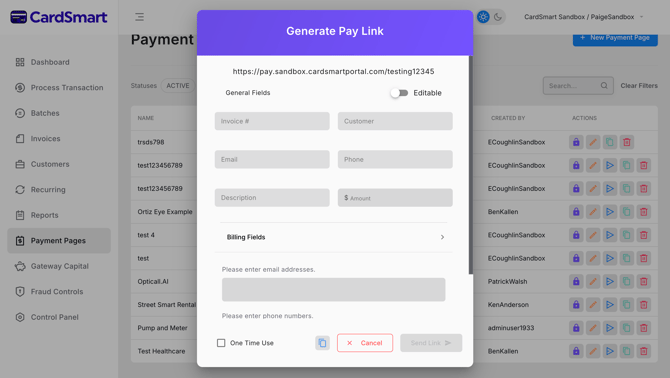
- Customer Name
- Email Address
- Invoice Number
- Description
- Payment Amount
- Complete the Billing Fields section by entering any required billing information.
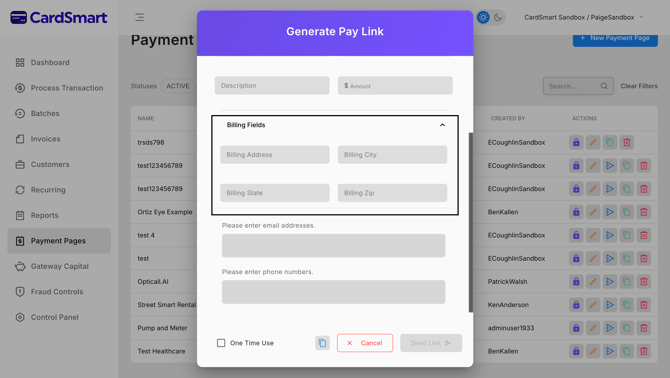
- Choose how you want to send the payment link:
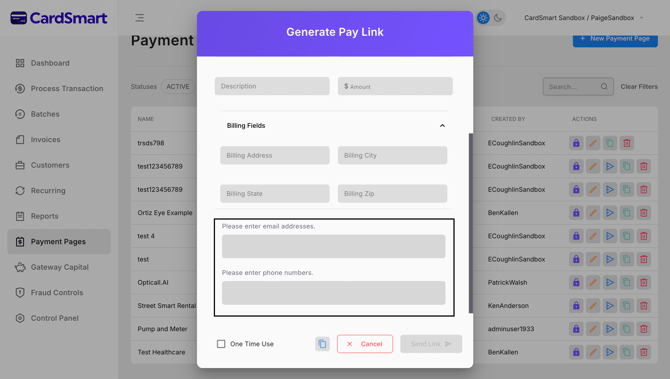
- Text Message (SMS)
Once the payment link has been sent, the customer can use it to securely complete their payment using the hosted payment page.