![CardSmart Logo (1) (1).png]](https://www.help.cardsmart.io/hs-fs/hubfs/CardSmart%20Logo%20(1)%20(1).png?height=40&name=CardSmart%20Logo%20(1)%20(1).png)
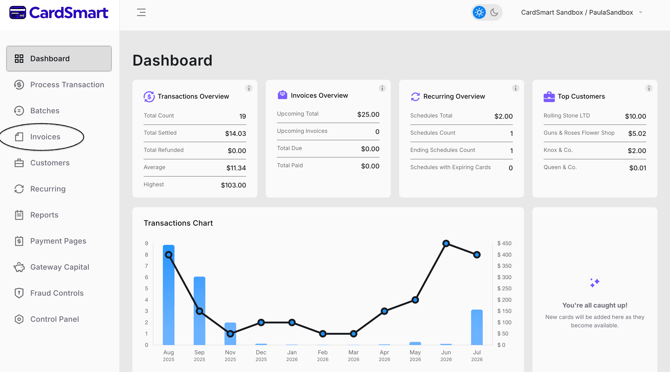
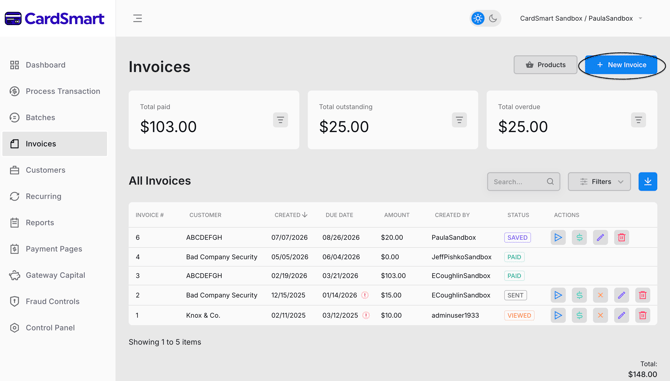
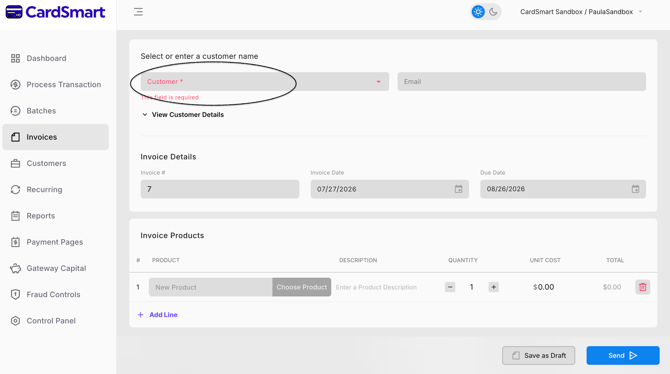
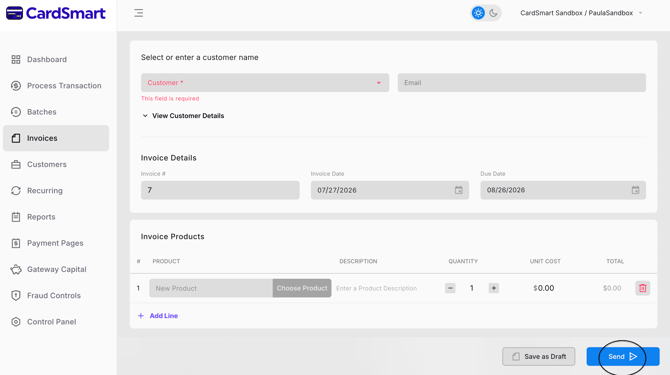
To send an invoice to your customer, navigate to the Invoices tab from the left-hand menu and select New Invoice. In the Customer field, choose an existing customer or enter a new customer name. If you are creating a new customer, complete the required Billing Information fields and enter the customer's email address if you would like to send the invoice electronically. If the shipping address is different from the billing address, enter the Shipping Information or select the Same as Billing checkbox if the addresses are the same. Once the customer information has been completed, continue filling out the invoice by adding the appropriate products or services, quantities, pricing, and any additional details. Review the invoice to ensure all information is correct, then click Send to email the invoice to your customer. If you are not ready to send it, click Save as Draft to save the invoice and send it later.